
Ness Grixti
·
·
9 min read
Hey, I’m Ness 👋🏼. I’m a Product Design Lead and, as the title suggests, a Design System specialist.
Over the years, I’ve learnt a lot about building successful Design Systems. This is thanks to the lessons that come with working with many different types, ranging from reskinning existing systems to building multi-platform systems from scratch, all the way to re-branding and debranding.
While many more lessons were learnt, I’ve decided to be poetic and stick to 7.
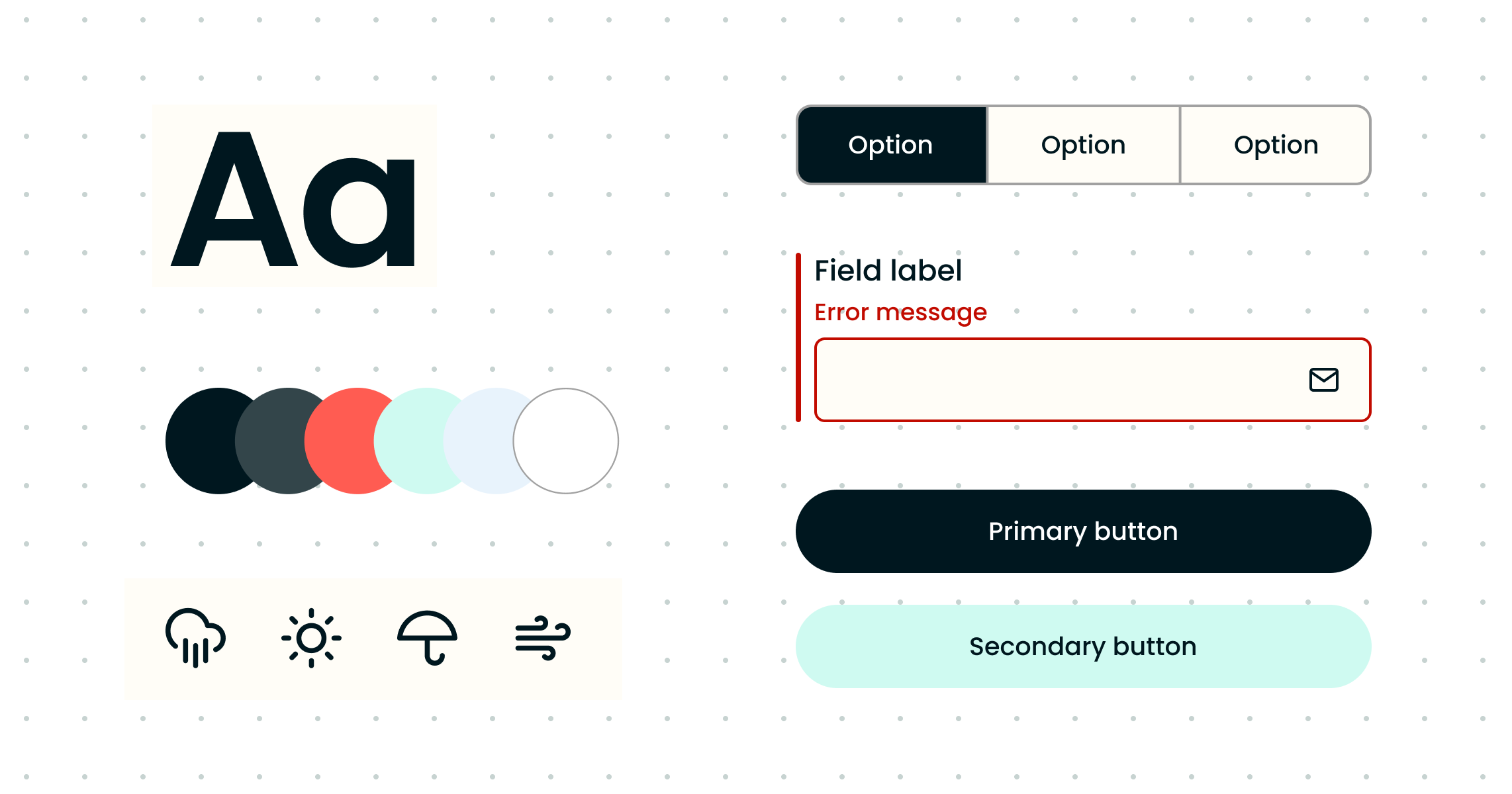
Controversial opinion time, you don’t always need buy-in to build a system, nor do you need to have a dedicated design system team.
I’m not saying that building from scratch is terrible. I’ve done it myself! I’m only saying that it shouldn’t be your first option.
Here are two simple ways to build a system without breaking the bank.
Now, hear me out on this: back when I first stumbled upon the wonderful world of Design Systems, it was simply to fulfil a need. The company I worked for had five different products that needed to go into one platform suite.
I didn’t have buy-in for a system, nor did I know what a Design System was at the time 😬. I just had an idea to unify the design, and I needed to do it fast, part-time and with one slightly rogue engineer.
The quickest and most straightforward solution was reskinning an existing system that used our tech and design stacks.
At that time, we used Element UI, but there are loads of UI kits. One of the most famous is Material UI.
And while there are plenty of great benefits to using a UI kit as your base, the only thing you need to consider is accessibility. Most UI kits have already thought about this and built it in from the ground up so that you don’t have to. Winner. And, if you don’t care about accessibility, think again, for one, you’re a jerk, but also, it’s becoming the law.
And no, reskinning a UI kit isn’t equal to a complete design system, which is why creating some form of documentation (even if it’s lean) is advisable. A quick and easy way to do this is to use Storybook.
One of the most significant benefits of starting lean is that you can prove your system’s worth through doing. This was my first design system, and it revolutionised the way that company saw design and Design Systems and has since created a dedicated Design System team.
For small teams or teams starting a new project. You won’t need to get buy-in if it’s part of your process. So, pick your tech stack, choose your design tool, and keep aligned.
So, you’ve built your system and spent hours documenting your styles, components, spacing and grids. Yet, every time you see a product screen from another team, it looks a little off.
Having been there myself, I know how disheartening this can be. But expecting designers to read through the documentation every time they design is ambitious; some will do it, but a lot won’t. That’s not to say your documentation is useless, but you shouldn’t rely on others to read it as much as you are.
Now, imagine being a busy designer external from your team momentarily. You start designing a new screen and realise you need to look at 5–10 different pages of detailed documentation to do your job. Does this sound like something that will slow you down or speed you up?
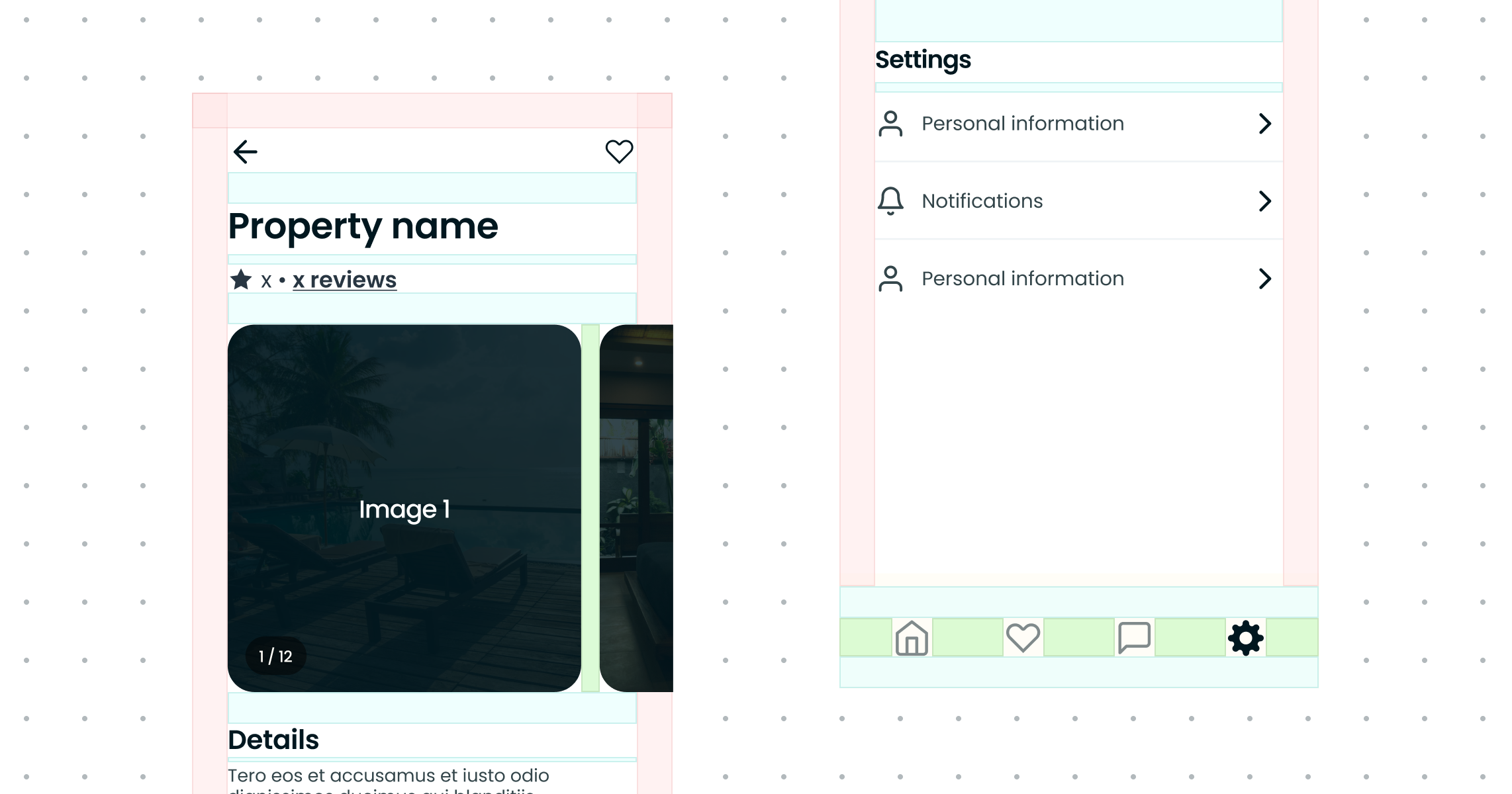
Thankfully, there is a relatively simple solution for this: templates and core screens.
Creating templates and core product screens as part of your system will create a toolkit for designers, with suitable grids, spacing and styles built in. This will save people time and also teach them through doing.

You can’t call it a Design System until it’s built in code and product teams are using it. Fred Parke, Front-end Engineer
As Designers, it’s sometimes easy to get caught up with the notion that a Design System is a design-driven tool. It’s in the name, after all, right? But the reality couldn’t be further from the truth, kind of.
Design Systems are a mix of crafted, scalable elements that give product teams the tools to build memorable experiences. A system can’t be without design, documentation and code, especially code.
So, you only need to talk to Engineers once the design is crafted, right? Wrong. Engineers are system thinkers: their entire job is to solve problems and understand complexities and nuances. Therefore, they are the best people to talk to when auditing, gathering requirements, defining states, critiquing designs and reviewing accessibility when designing. Spoiler alert: they’re also great at writing documentation, as it’s already a massive part of their job.
So why do we continue to use the word handover when working with Engineers? They should be part of the process from start to finish. This will save you time and effort, reduce build time, and create alignment and better cross-platform consistency.
It’ll also make for a fun and productive team environment!

Before working with Design Systems, I was terrified of public speaking. If I had known it would be a core part of my job, I might have even reconsidered getting into it all those years ago. But sometimes hindsight’s funny and specific skills are so valuable that they speak for themselves.
If you want better adoption of your system and more success, your business needs to know about it, so your team needs to be a well-oiled PR machine. They’re also a great way to break silos and keep a clear vision for your team.
Things to remember when setting up these rituals: duration, frequency and timing. If you have too many ways too often, you’ll become repetitive, develop presentation fatigue and eat into your focus time.
In the words of Tim Minchin, be a teacher.
Even if someone knows how to design or code, they still need to learn how to use your Design System.
People will default to their knowledge and not use your system if they can’t see it saving them time. Hello custom components, they look like yours, they act like yours, but they’re not yours sigh.
Even if you’ve put the time and effort into making your system simple, scaleable and as user-friendly as possible, you still need to educate teams to get the most out of it.
How I’ve looked at training over the years can be broken down into two categories: short-term and long-term.
For ongoing updates to your system. Here are some ways to train others from the most minor update to the largest.
For those new to your system or needing a refresher, it can be as simple as an onboarding call. Or, if you’re like me and don’t want to do that every other week, a simple video series will do the trick. These are generally high-level and include basic walk-throughs, system setup and where to find things. Remember, your system will evolve, so avoid going into too granular detail. Otherwise, you’ll be re-recording every quarter!
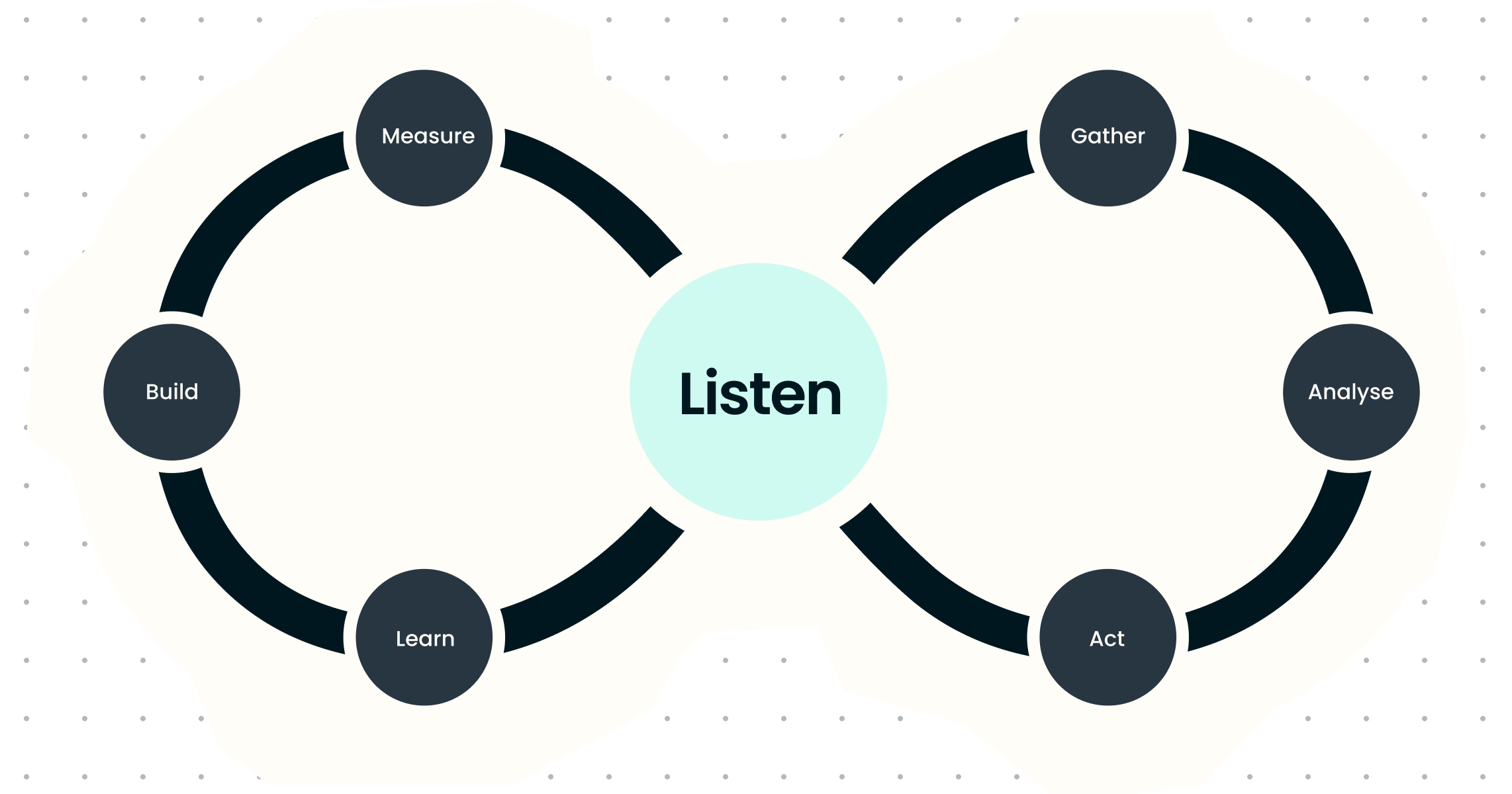
Trust me; everybody has an opinion on your system; sometimes it can feel personal.
Never have I worked on a Design System team that has yet to be short of passion, opinions, and, let’s face it, a little bit of defensiveness to the outside world.
It’s important to remember your product teams are the ones using your system. They will be testing their experiences and have the customer insights you need. Respecting and listening to their feedback will not only improve your system but create promoters, which will improve adoption.
When listening to feedback, try to be objective and focus on the constructive elements. While we can’t control others’ reactions or responses, we can understand and learn from them.
Remember, it’s not enough to get feedback; be sure to stop, collaborate and listen, then maybe create a plan or a Jira ticket.
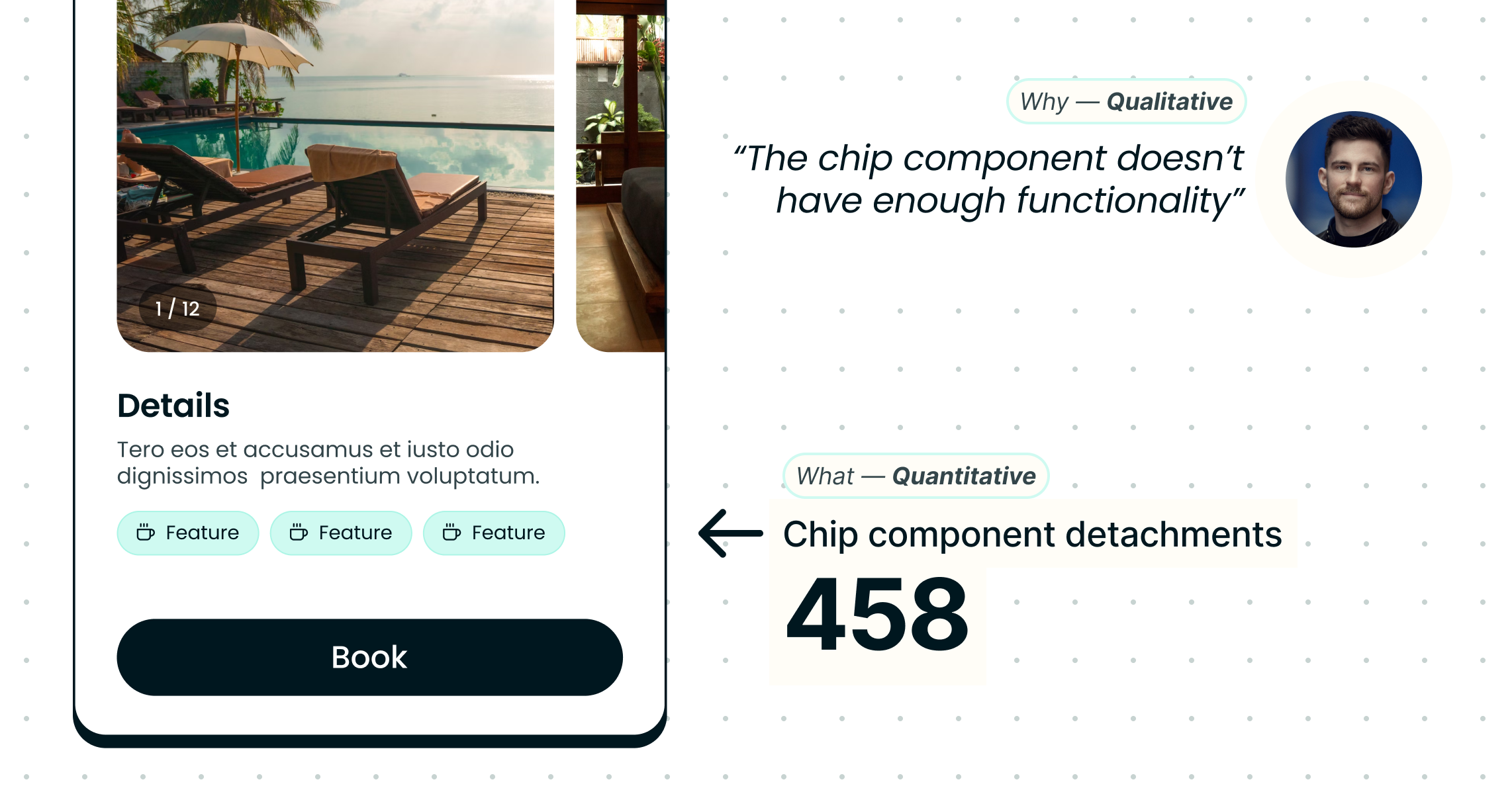
Metrics is a word I’ve grown to love (see reference: Stockholm syndrome). At some point in your Design System career, KPIs and metrics will pop up, and you will need to justify your system and your progress. It might seem like a waste of time initially, but trust me; you’ll learn to love them when you see those numbers grow and understand how to elevate your system.
Measuring qualitative and quantitative data is essential when looking at metrics. While Designers or Engineers might be implementing your system and saying they like it, they might still be customising or detaching components sigh. By measuring these instances and building a stronger understanding, you can improve your system and build better adoption.
Here are some ways I’ve tracked systems (quarterly).
PS If you think you can get away with not gathering metrics because you followed point 1 and didn’t get buy-in, think again. Not only are metrics a good way of justifying the existence of your Design System and team, or lack thereof. They’re also a great way to sell yourself as a candidate for your next systems role 😉.